<img height="1" width="1" style="display:none" src="https://www.facebook.com/tr?id=615923385674774&amp;ev=PageView&amp;noscript=1">

Information about replacing brackets

This page will help you install a replacement bracket correctly.

You will need

1. 3mm Hex key
HEX Image

2. Gloves (recommended)
Gloves

3. A cloth
Frame 19

Remove the old bracket

Collar-2

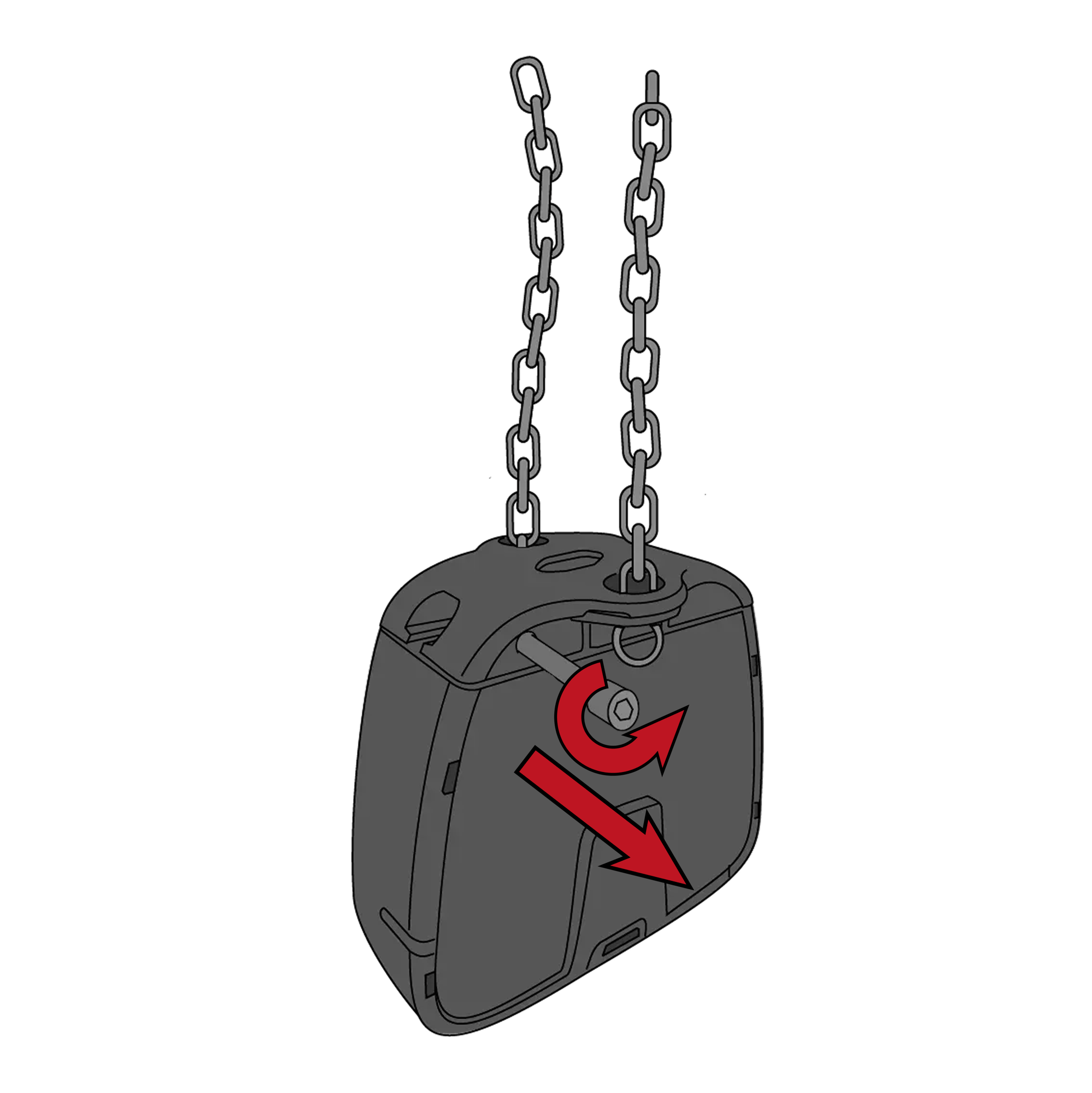
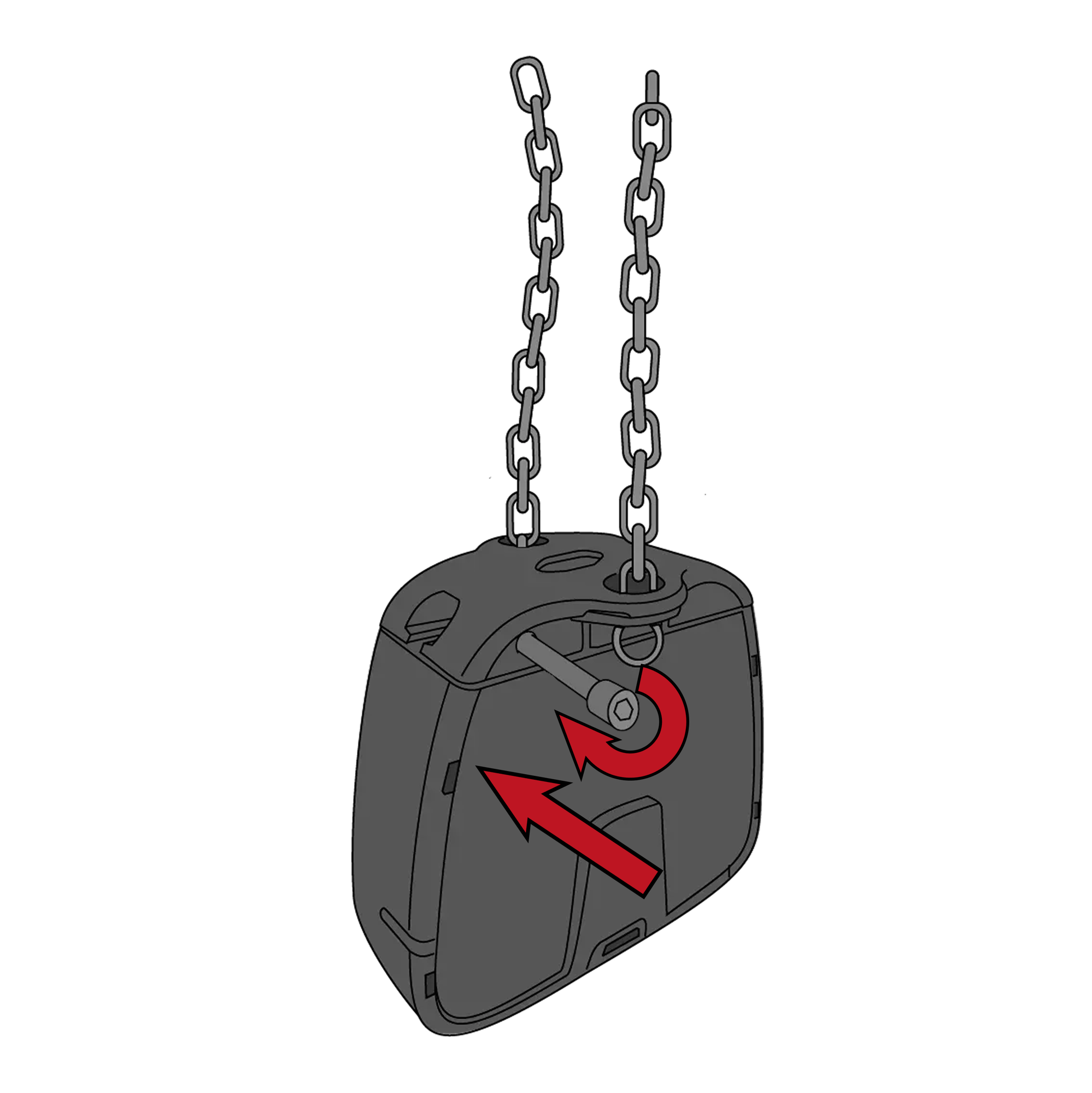
1 Loosen the screw and remove it


Artboard 5 copy

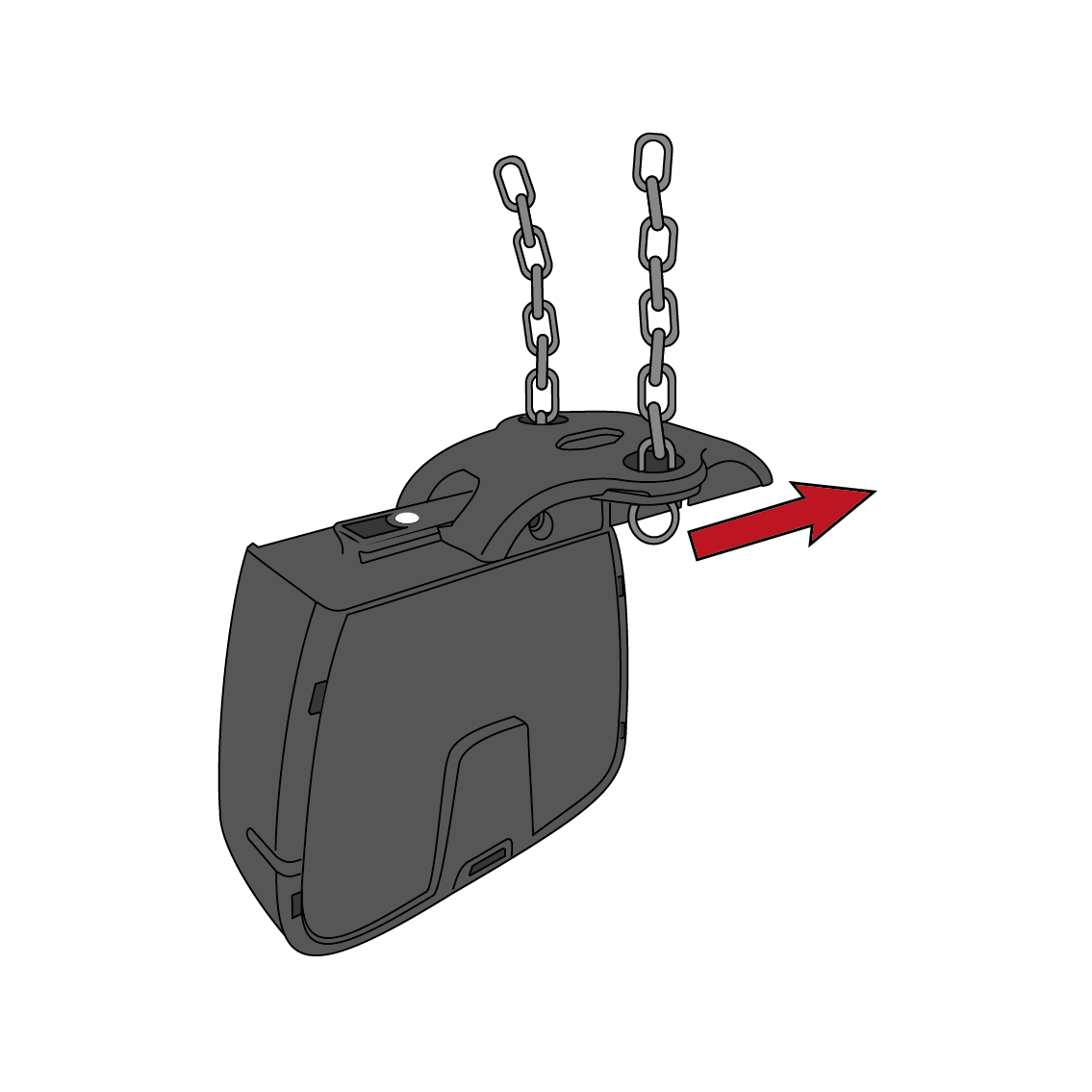
Slide the old bracket off. Note: The gloves may be needed if it's hard to remove.

.

Artboard 5 copy 2

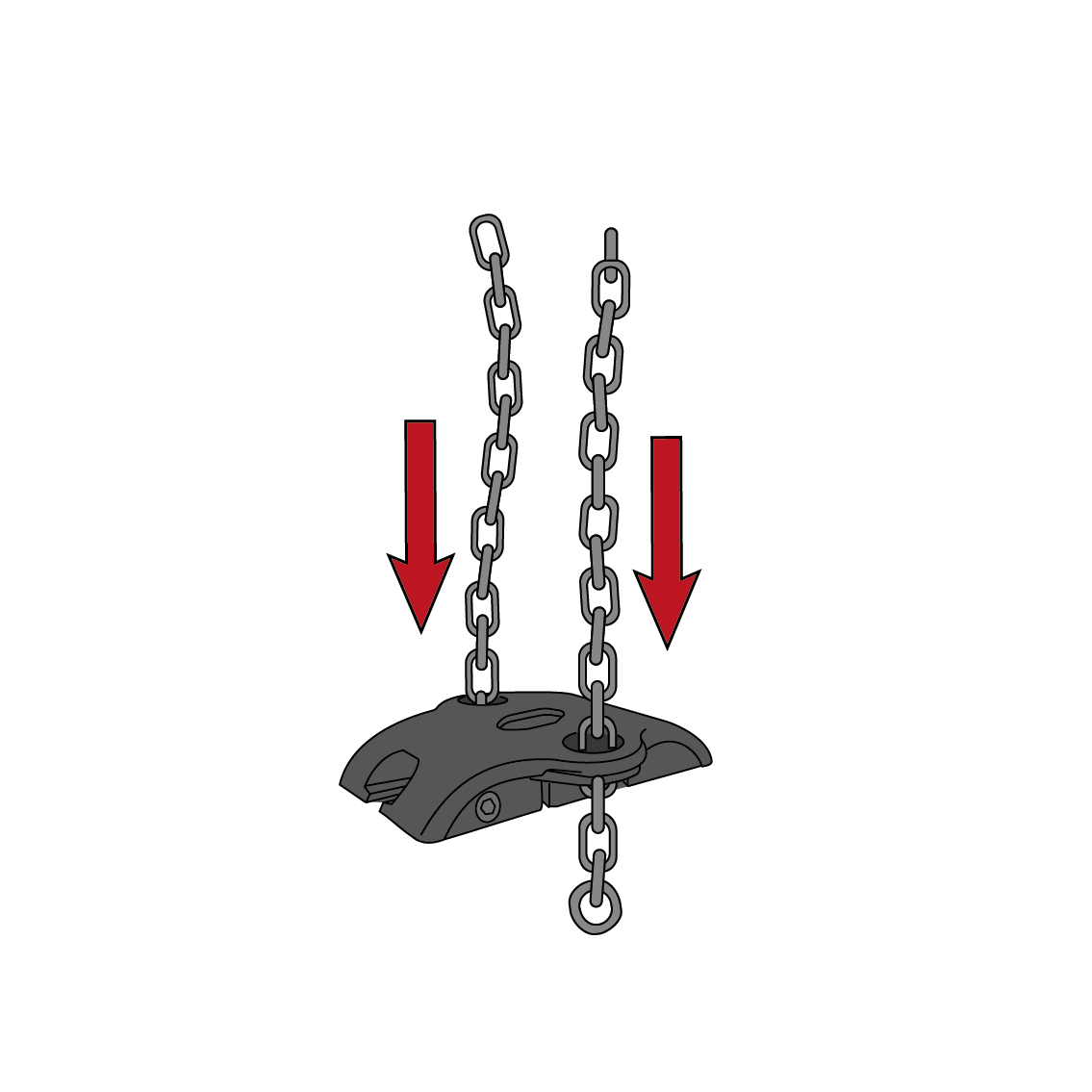
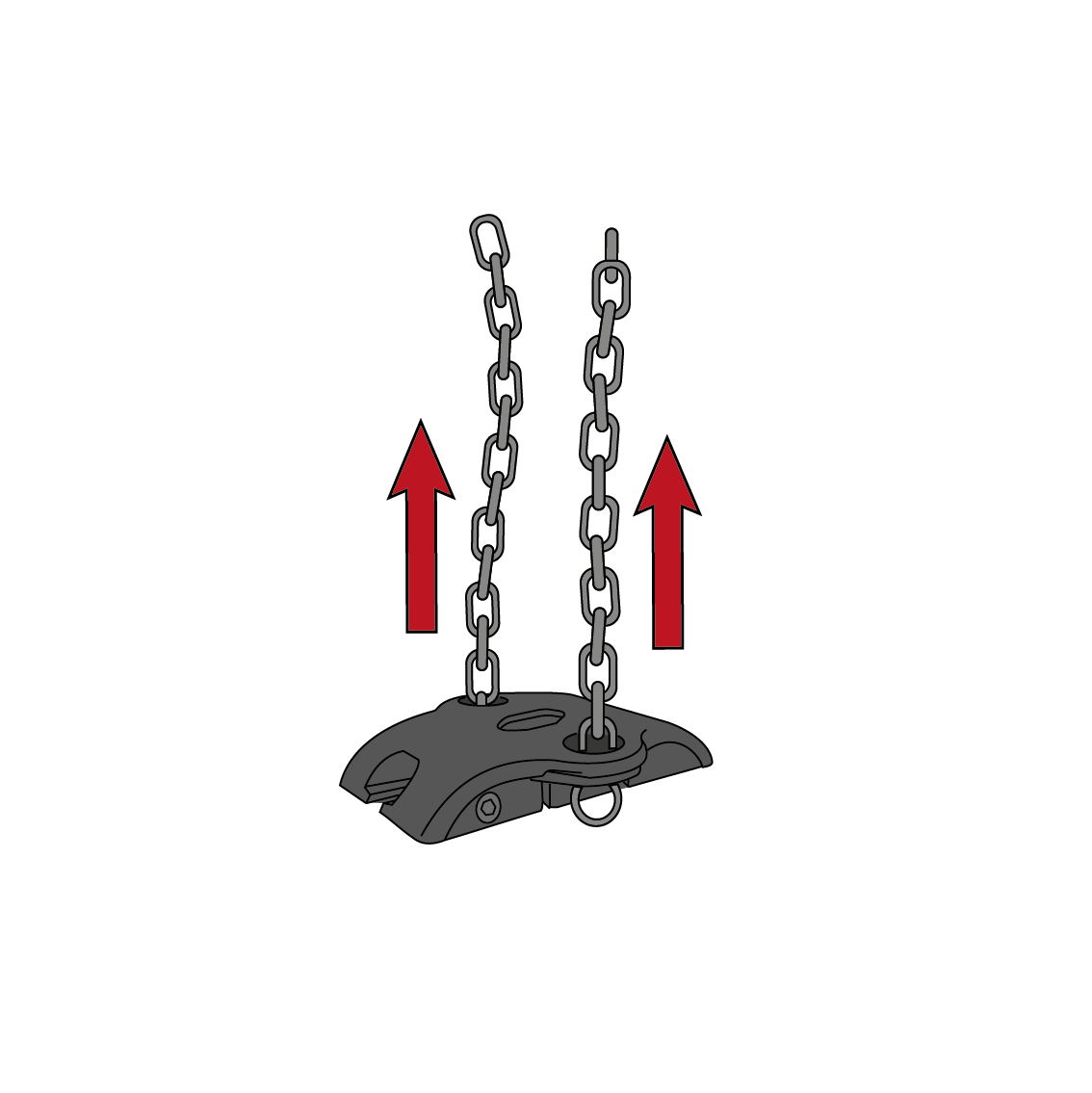
3 Remove the chains from the old bracket.

Frame 9

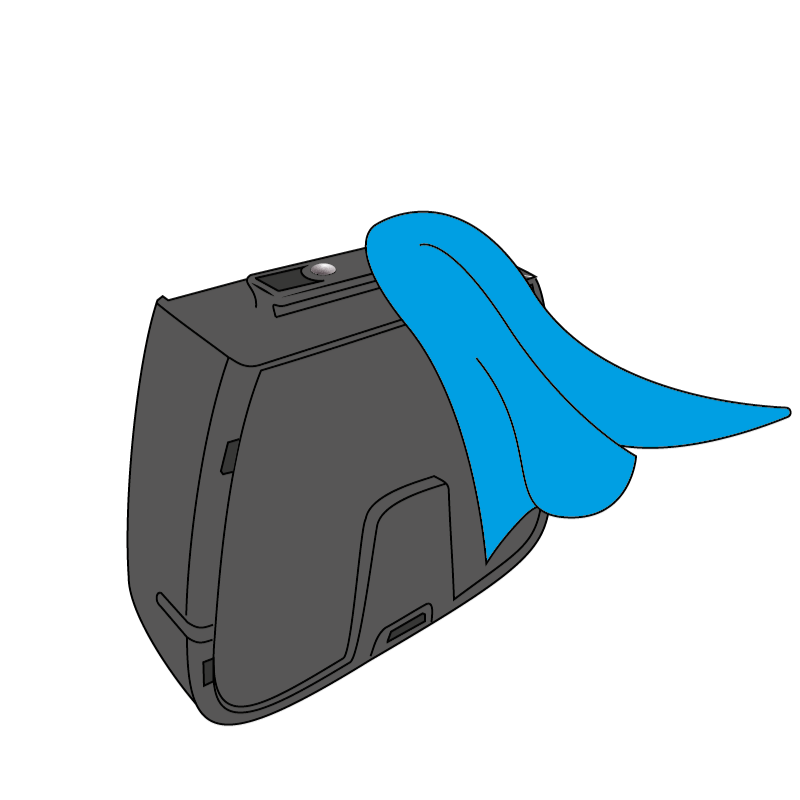
4 Clean collar with a moist cloth and allow to dry.

Frame 15 (1)

! Make sure that the area around the metal contact pins is clean.

Installing the new bracket

Artboard 5

Attach the chains to the new bracket.

Artboard 5 copy 16

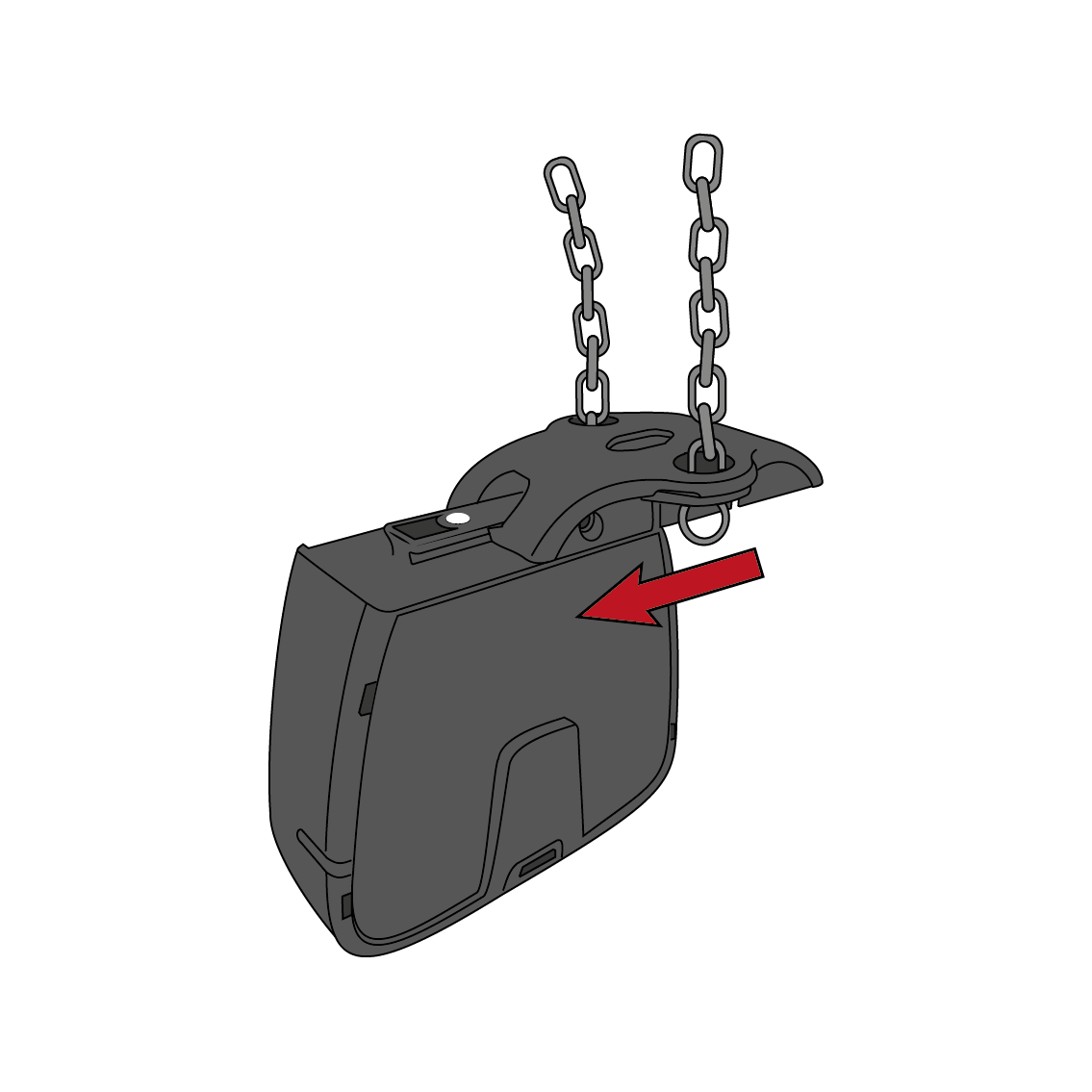
6  Slide the new bracket on to the collar. 

Collar-1

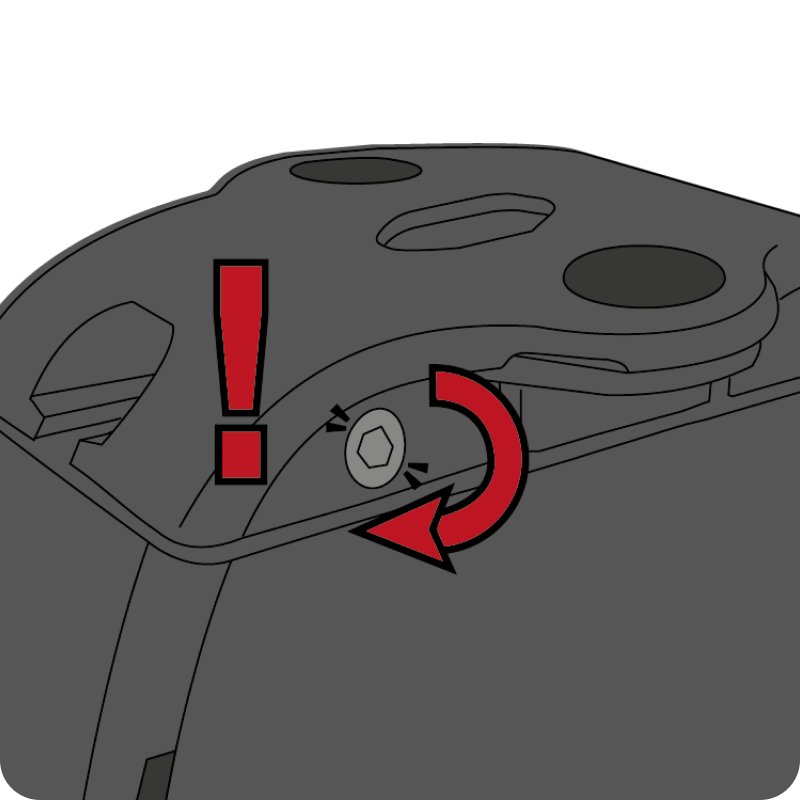
7  Insert the screw back in

Frame 16-1

! Avoid tightening too hard. This is important to avoid damage to the new bracket and collar.

Do you need more replacement brackets?

Have you received replacement brackets, but not enough?

If you have not received enough replacement brackets, you can contact customer support by sending a support-ticket and request more brackets.

Do you have a voucher?

If you have received a voucher, you can redeem and order a free replacement brackets from the internal store. You must log in to your account pages and be the primary account holder to order.

Note: The voucher only covers the number of brackets you have applied for.

Contact us:

United States
+1 650 514 6711

Opening hours
Mon-Fri
9:00 - 17:00